01
Admin
Sets up projects, locations, inventory config, and templates
A mobile POC for managing plant inventory, requests, and transfers across airport landscaping operations
Airports maintain large-scale landscaping, requiring tracking of plant stock, material requests, inspections, and transfers across sites and vendors. This POC turns an RFP into a working mobile app — one system for admins and nursery managers to manage inventory, and for horticulturalists and contractors to request materials and track approvals.
Sets up projects, locations, inventory config, and templates
Manages inventory, approves requests, inspects & tags stock, handles transfers
Raises material requests and tracks status
Raises material requests and tracks status
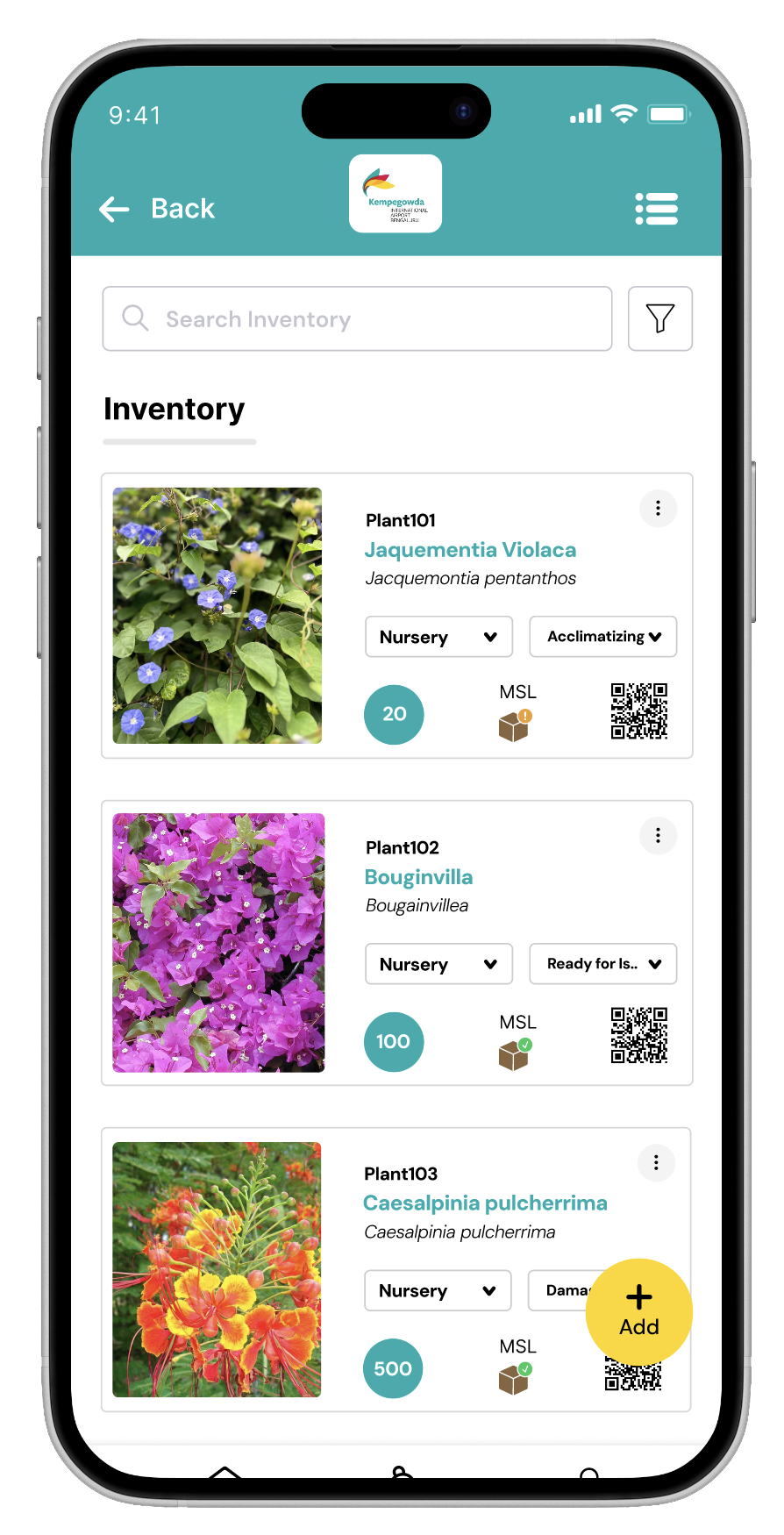
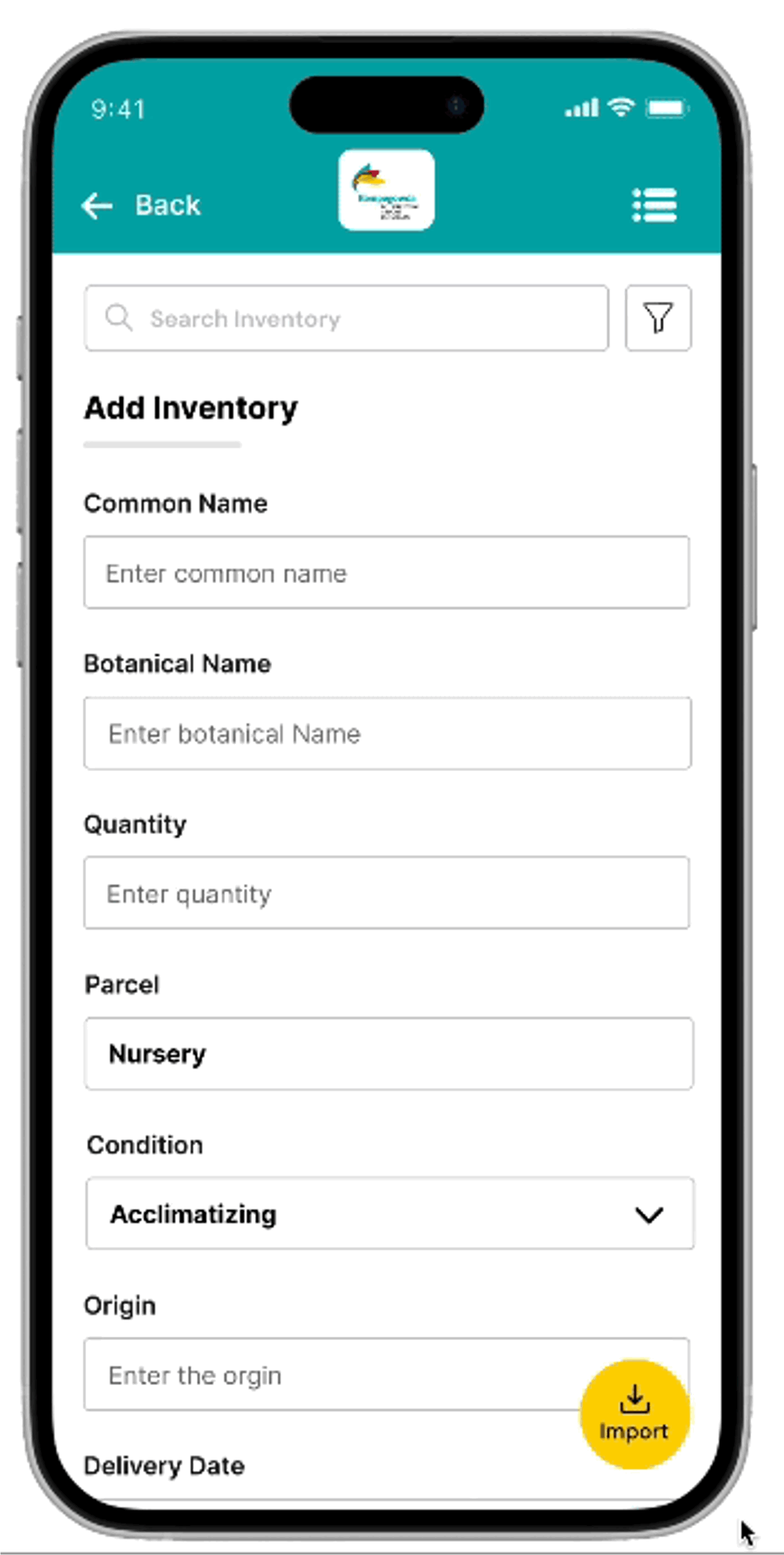
View, add, preview, and bulk-import stock
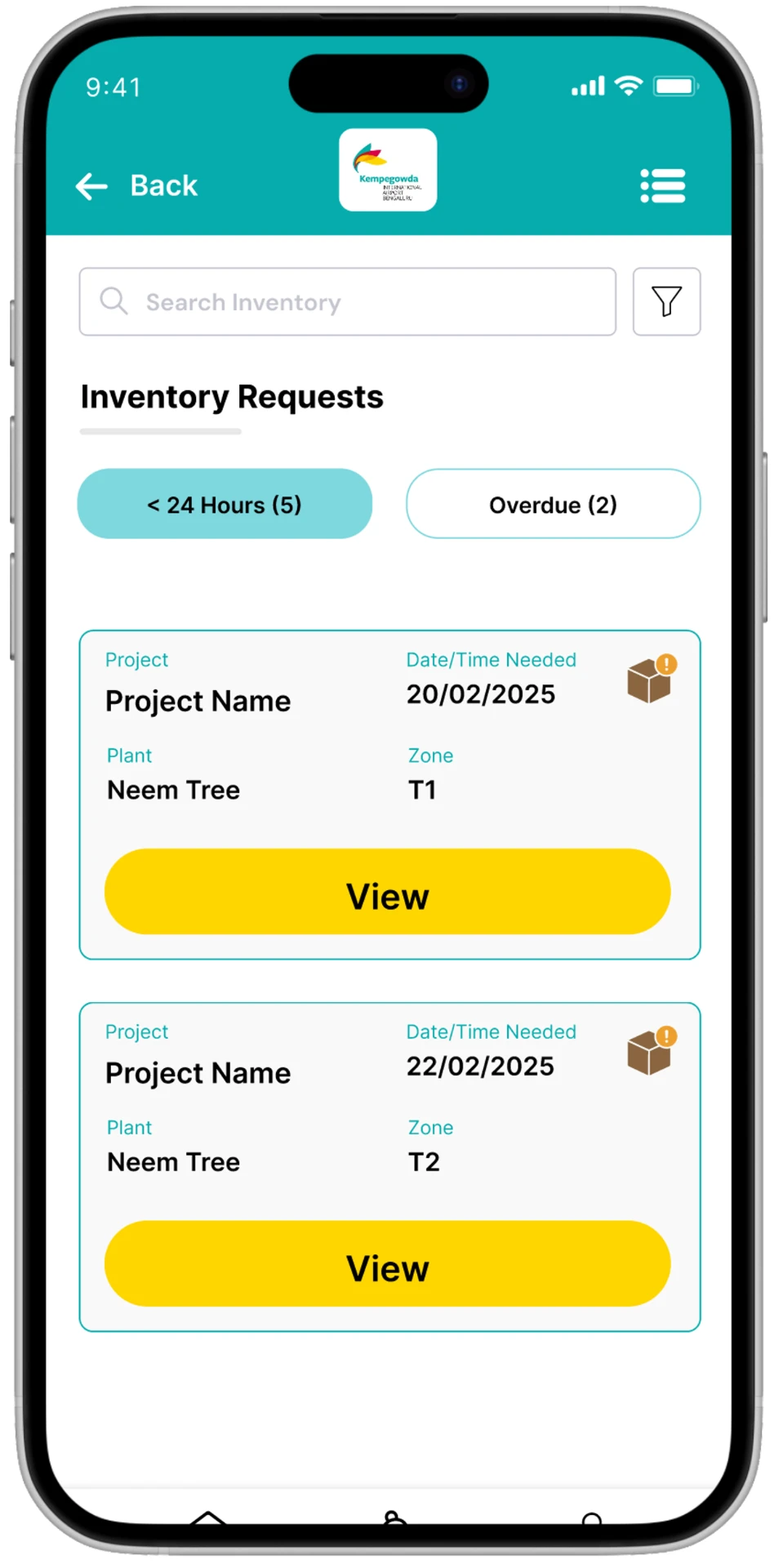
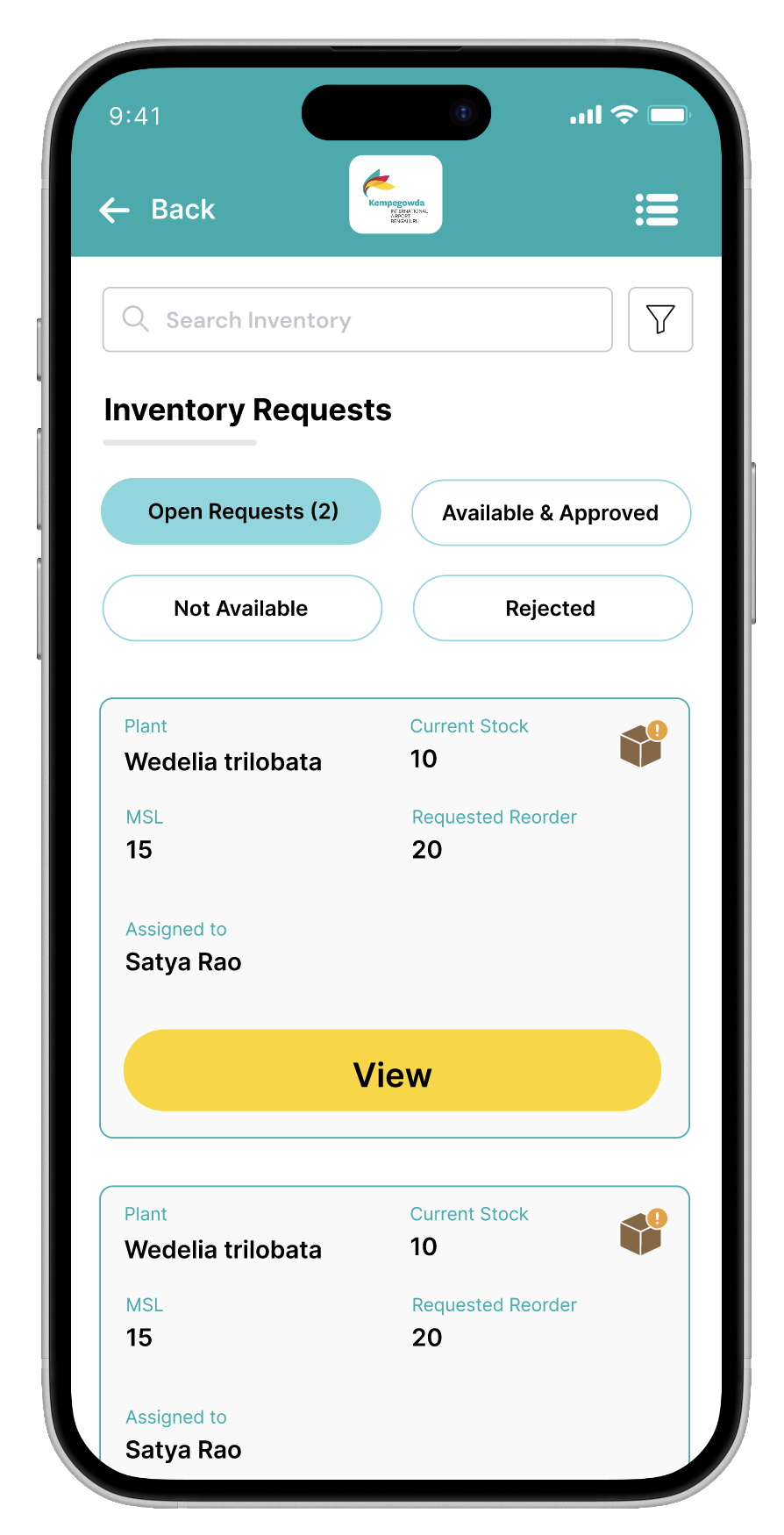
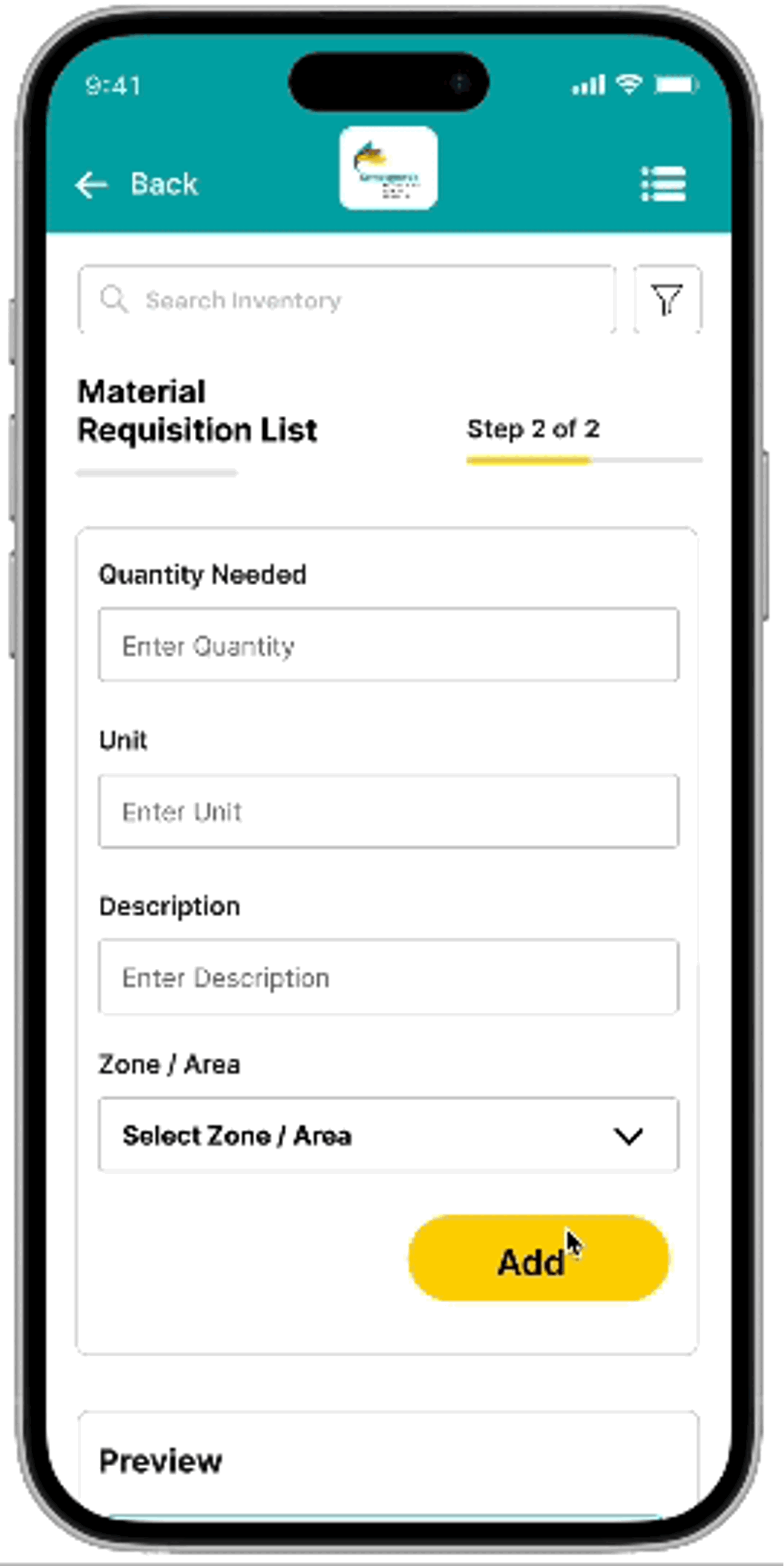
Raise, track, and manage requests
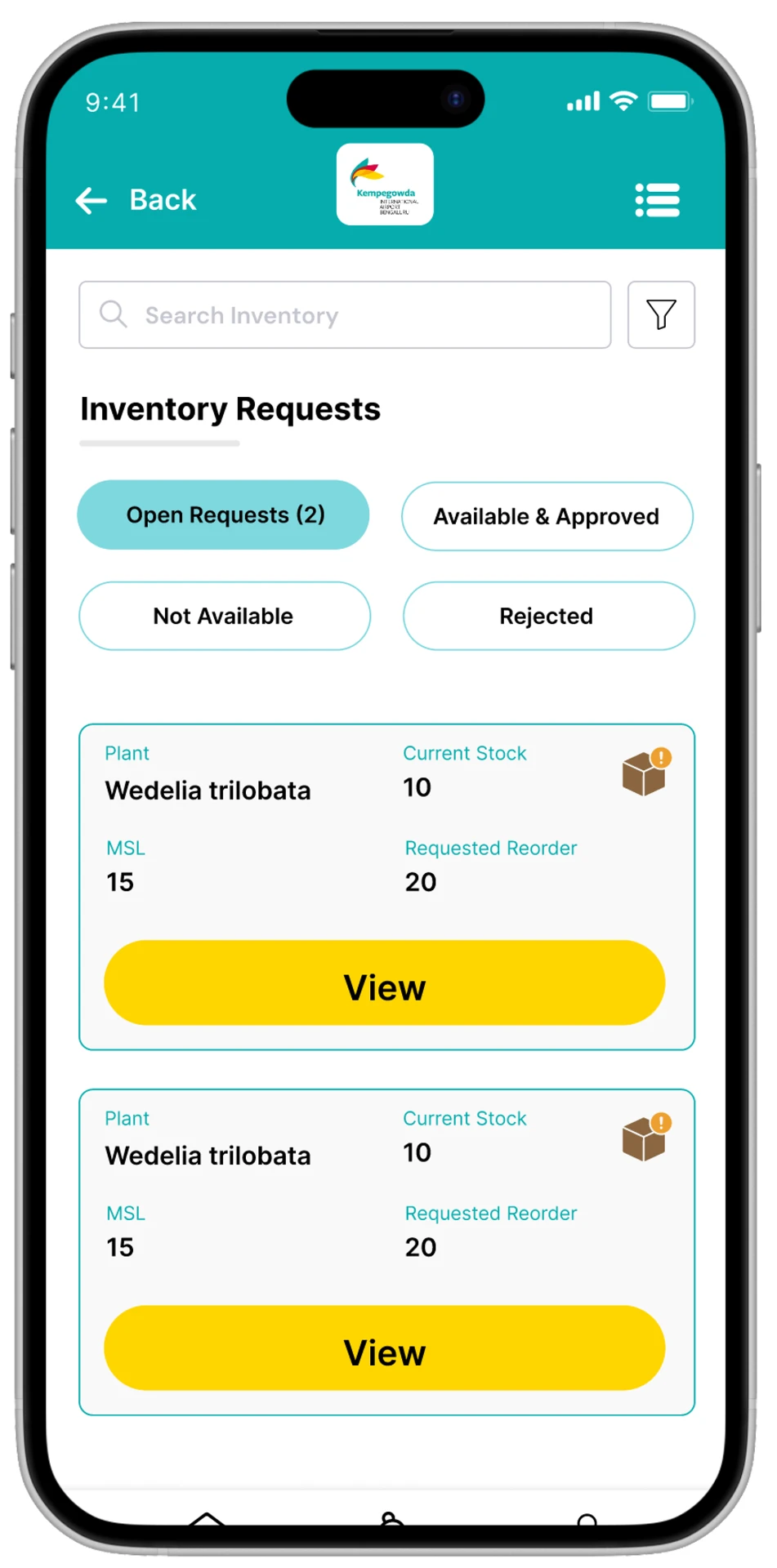
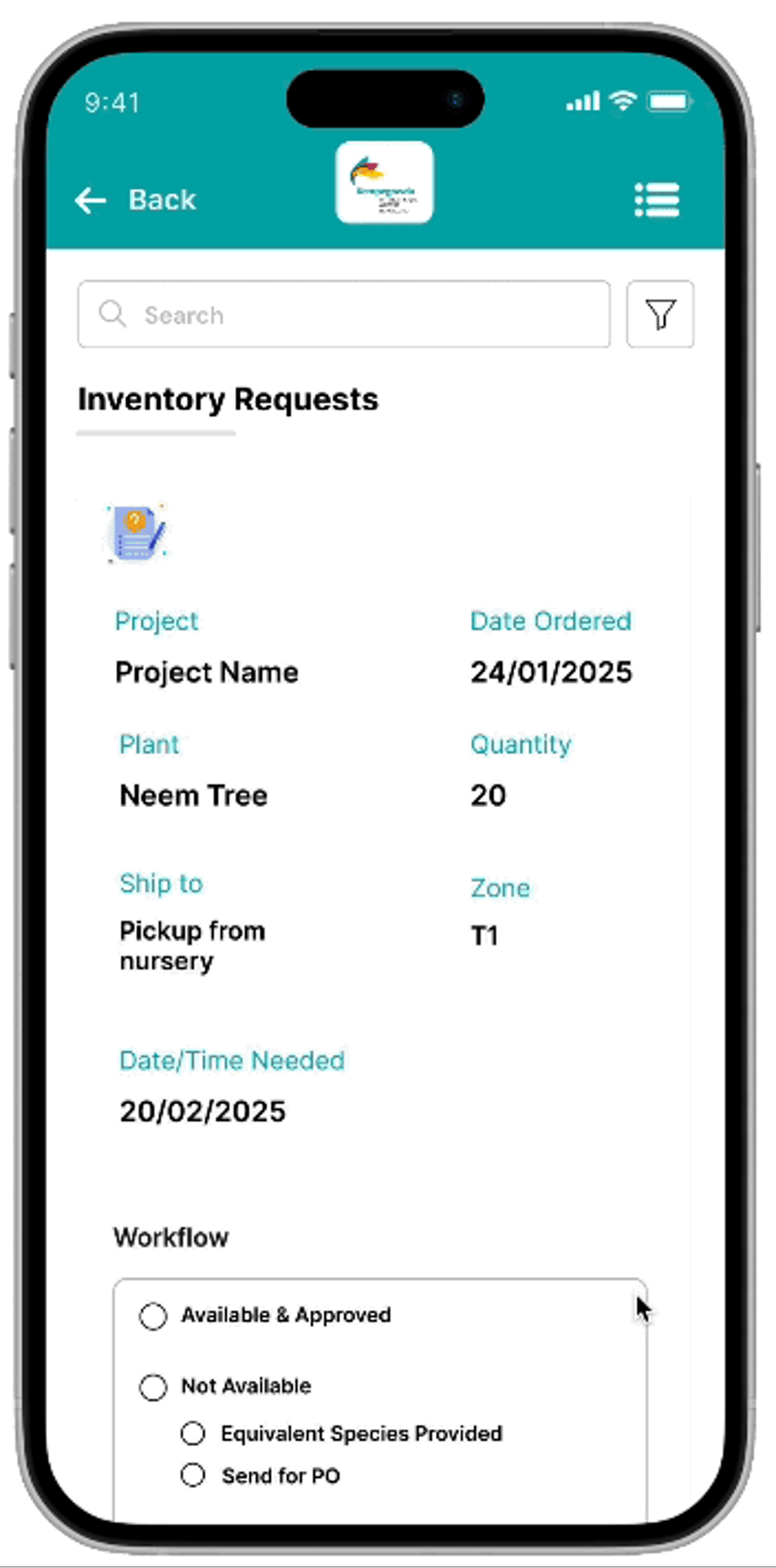
Review and approve/reject incoming requests
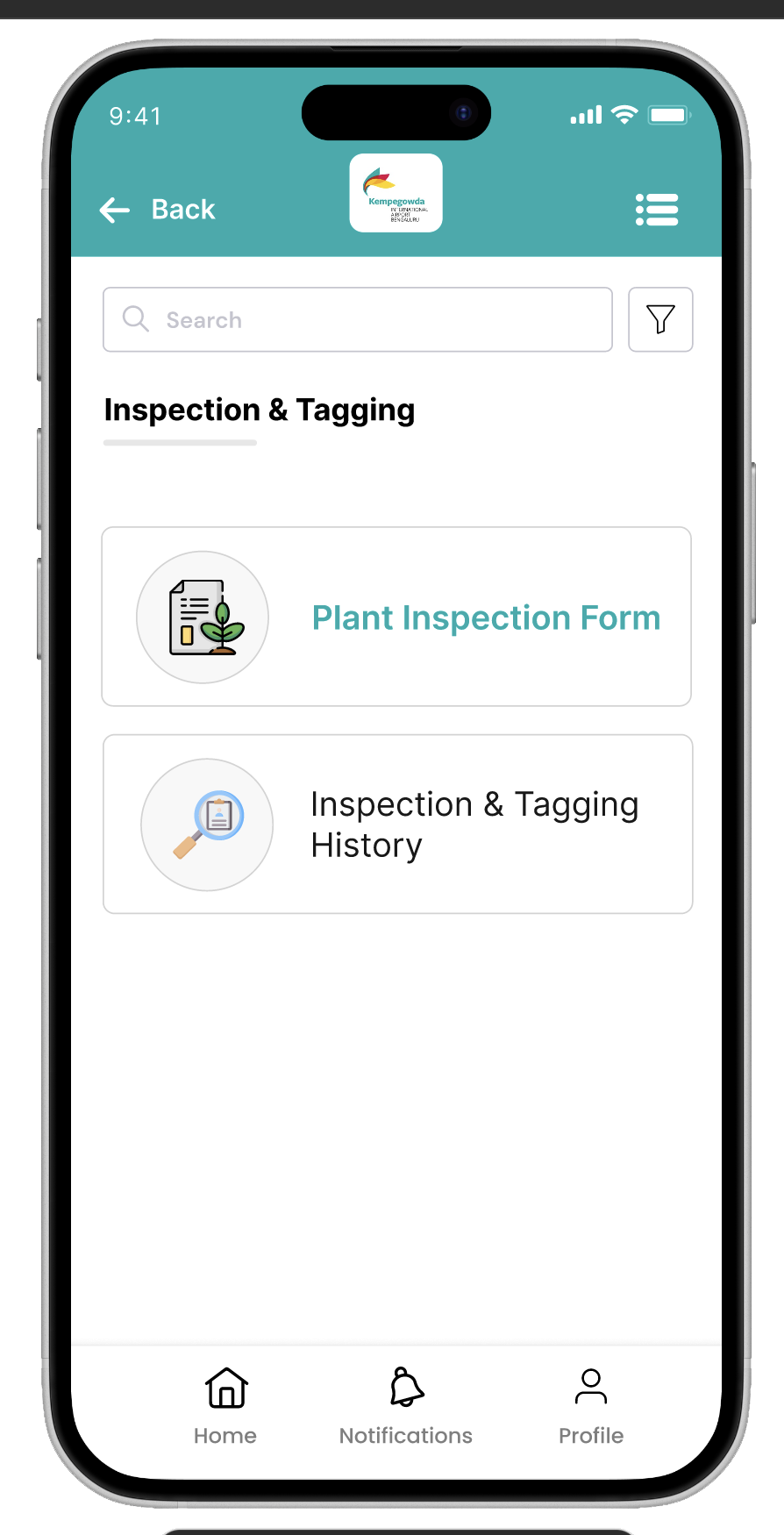
Inspect plant stock and tag it with history
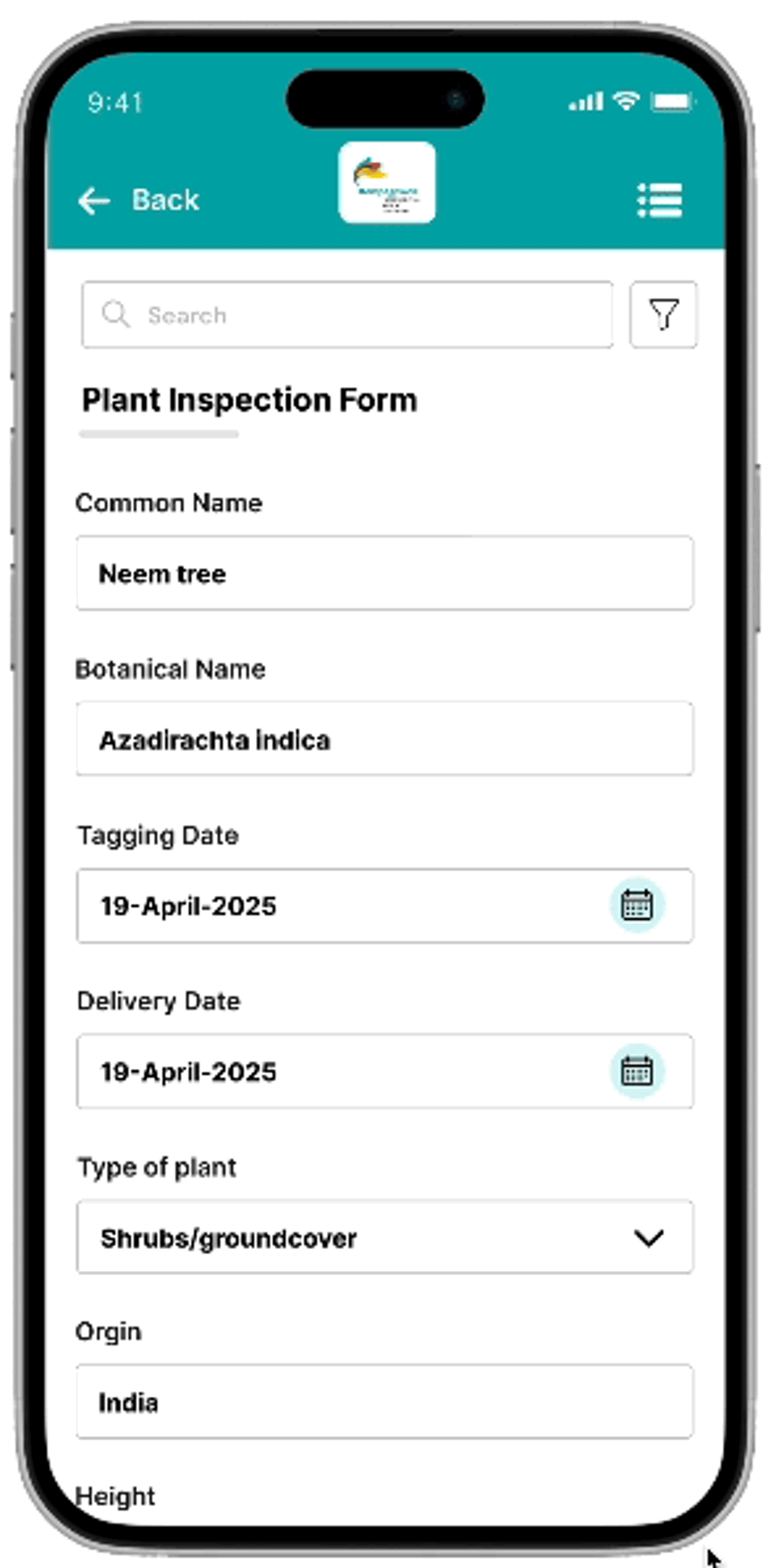
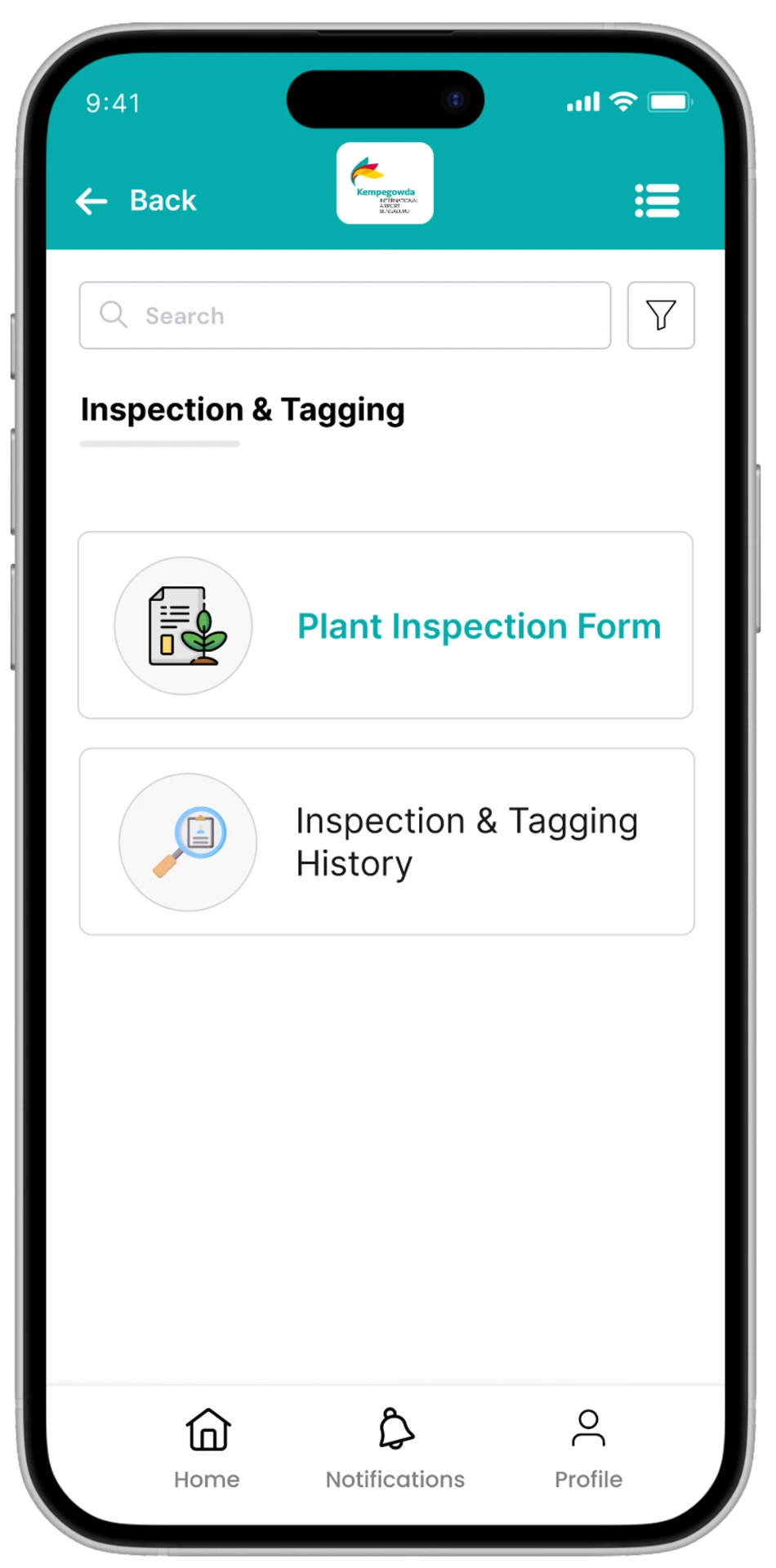
Configure projects, locations, and reusable inventory templates
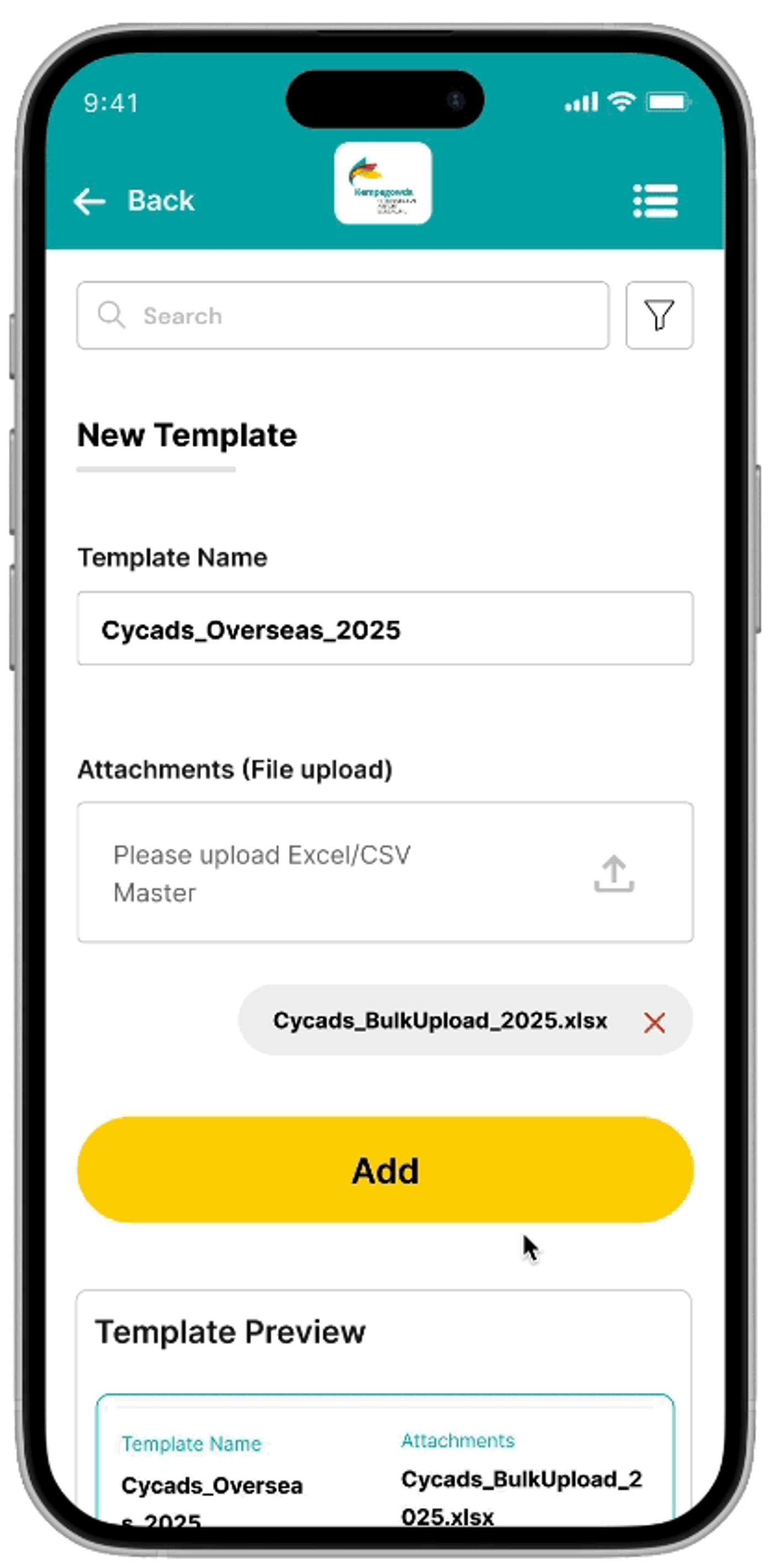
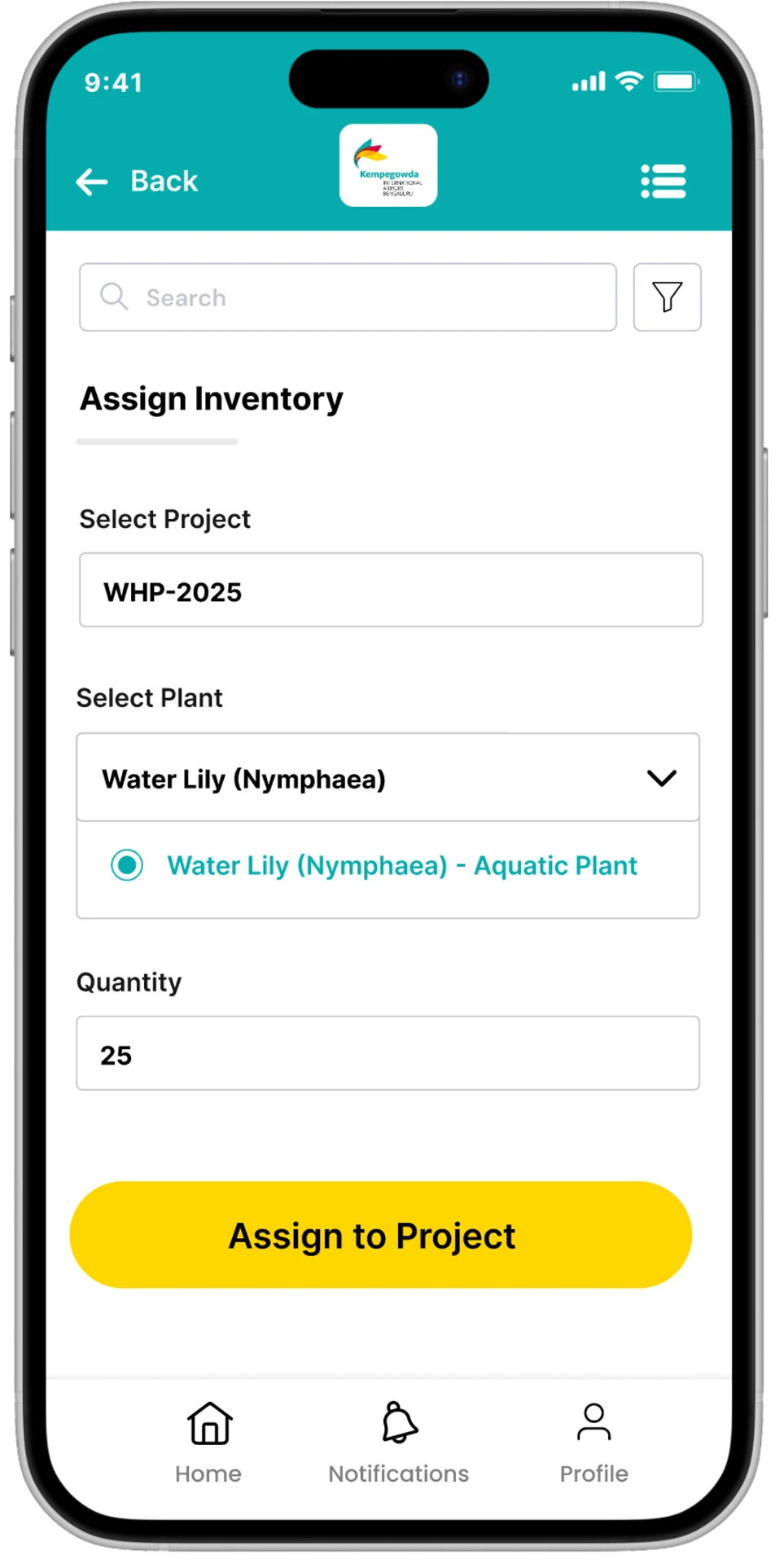
Manage consumables, reorder, minimum stock level settings, and custom attributes
Request, approve/reject, and track stock transfers between locations
At-a-glance overview of inventory and transfer activity
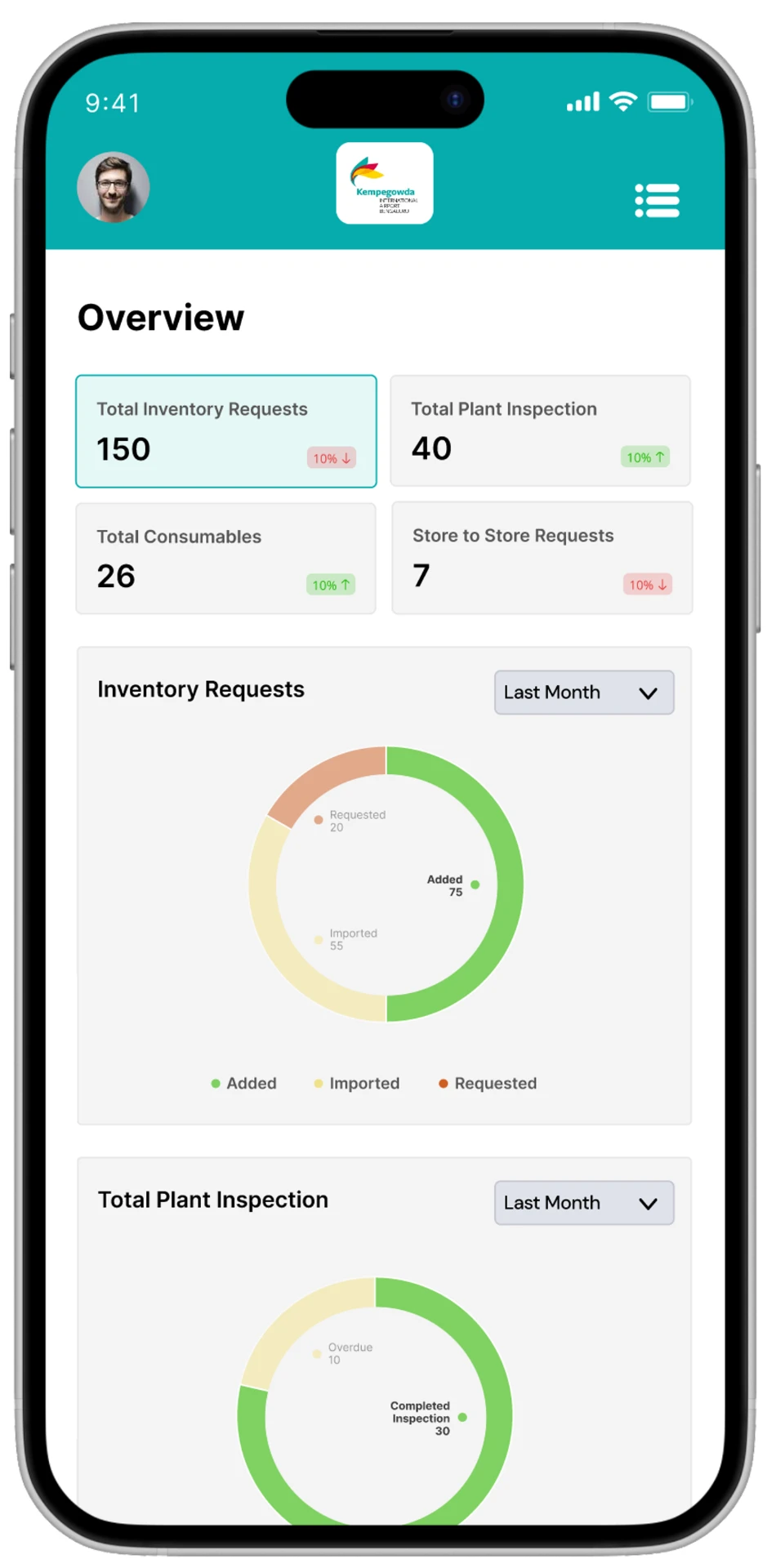
Requirements were pulled directly from the RFP, mapped to the four user roles, and translated into a mobile-first UI — prioritizing clear, form-driven flows since most tasks happen on-site, often on the move.
Status
Delivered as a POC for stakeholder review
Next
Usability testing with real nursery and airport teams